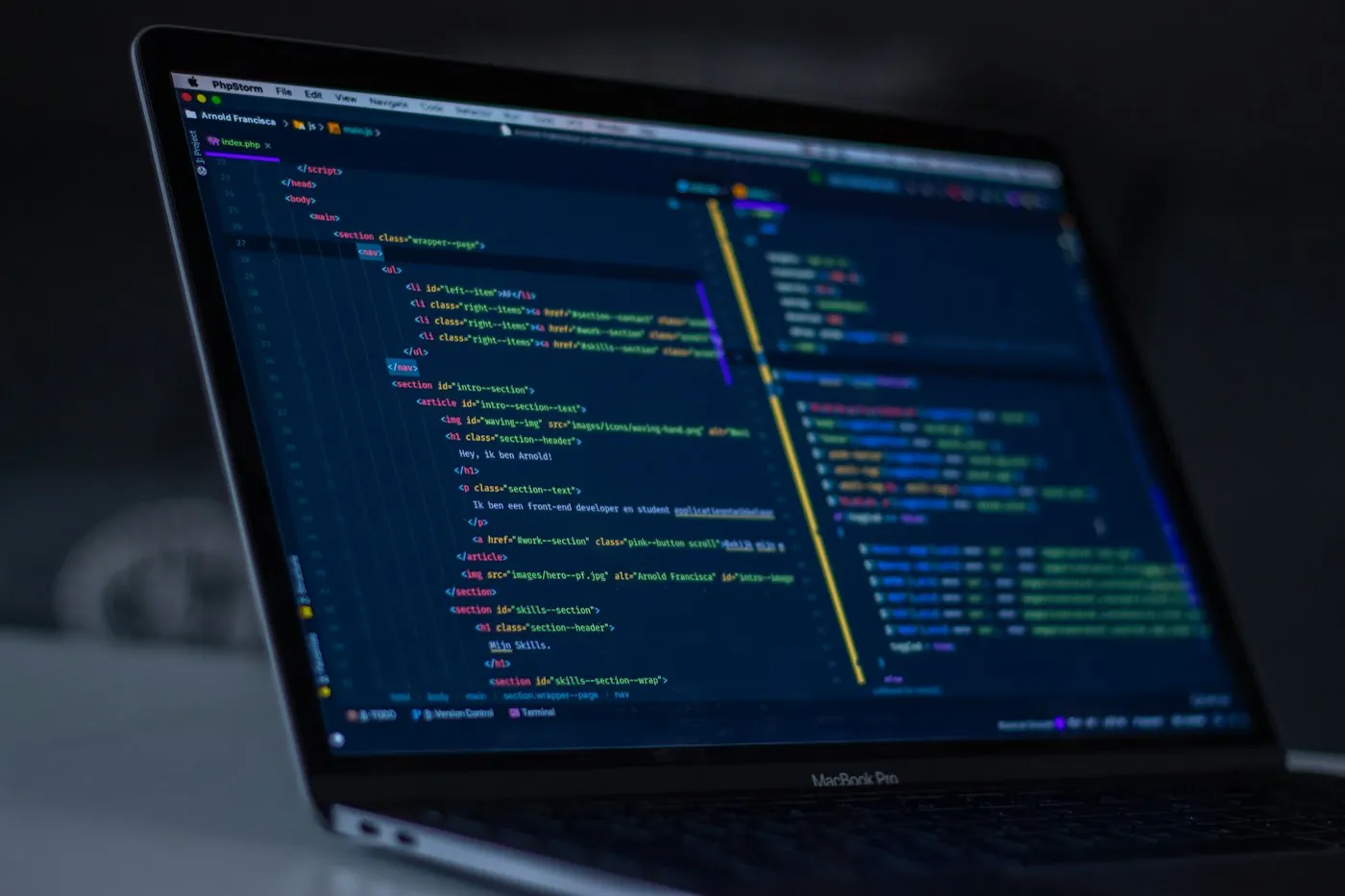
A browser is more than a frame around a website. It requests resources, interprets page structure and styles, runs permitted scripts, and manages local state such as cookies and storage.
A page may arrive in several pieces. The main document can reference images, fonts, stylesheets, and scripts, each with its own loading behavior. This is why a page can become visible before everything is ready.
The browser also enforces boundaries between sites and applies security rules. Its developer tools can make the hidden activity visible, offering a practical way to understand what happens after a click.
Bring the idea into a day.
Consider a recipe page before its photograph has arrived. Its text can already describe a useful task while the browser assembles the remaining presentation.
Another angle on the story.
A feature becomes easier to understand when you can describe the ordinary action it supports. Start with the task, then work inward toward the mechanism.
- Open the network panel on a familiar page.
- Look at the types of resources requested.
- Notice which resources arrive first.
Follow a related question
Notice what is complete or waiting.
A review that stays lightweightCompare one object under two light sources.
A color depends on the lightKeep learning
Related background to continue exploring this subject.
MDN: how the web works MDN: image file formats